You booked a month in Bangkok. The Airbnb looks fine. Then you arrive and the WiFi drops every 20 minutes, the chair feels like a park bench, and the nearest co-working space is a 40-minute walk through a mall. Now what?
Bangkok has hundreds of co-working spaces. Most are designed for drop-in tourists who stay three days. You need something different. You need a place where the internet doesn’t die during monsoon storms, where the air conditioning doesn’t freeze your hands onto the keyboard, and where a monthly membership doesn’t cost more than your rent.
This guide covers how to separate reliable long-stay co-working spaces from Instagram-friendly traps. No affiliate links. No sponsored placements. Just what I’d tell a friend who actually has to get work done.
What Actually Makes a Bangkok Co-working Space Reliable for a Month or More
Reliability isn’t about bean bags and free espresso. It’s about three things: power, internet, and seating. Everything else is marketing.
Power stability matters more than you think. Bangkok’s grid is generally solid, but older buildings in Sukhumvit sois can have voltage dips. A good co-working space has backup generators or at minimum, UPS units on every floor. Ask the front desk: “When was the last time you lost power during working hours?” If they hesitate, leave.
Internet redundancy is non-negotiable. A single fiber line from TrueMove H or AIS is not enough. The best spaces run dual ISPs with automatic failover. The Hive Thonglor, for example, runs a 1 Gbps fiber primary with a 4G LTE backup. JustCo at AIA Sathorn Tower advertises similar redundancy. If a space can’t name their backup provider, treat that as a red flag.
Chair quality separates long-stay spaces from tourist traps. You’ll sit 6-8 hours daily. A cheap mesh chair destroys your lower back by week two. Look for Herman Miller Aeron or Steelcase Leap chairs. True Digital Park in Phra Khanong has Aerons throughout. Glowfish Sathorn uses Steelcase. If the chairs have no lumbar adjustment and no armrest height control, your month will be miserable.
Here’s a quick reliability comparison:
| Space | Internet Redundancy | Chair Type | Backup Power | Monthly Price (2026) |
|---|---|---|---|---|
| The Hive Thonglor | Dual ISP + 4G | Mix of ergonomic mesh | Yes, generator | ฿6,900 |
| JustCo AIA Sathorn | Dual ISP | Steelcase | Yes, building backup | ฿7,500 |
| True Digital Park | TrueMove fiber + AIS backup | Herman Miller Aeron | Yes, campus-level | ฿5,900 |
| Glowfish Sathorn | Single fiber + 4G | Steelcase Leap | UPS only | ฿4,500 |
Glowfish is cheaper, but UPS-only backup means during a real outage you’re working from your phone hotspot. That’s fine for some. Not fine if you have client calls.
Location Traps That Waste Two Hours of Your Day
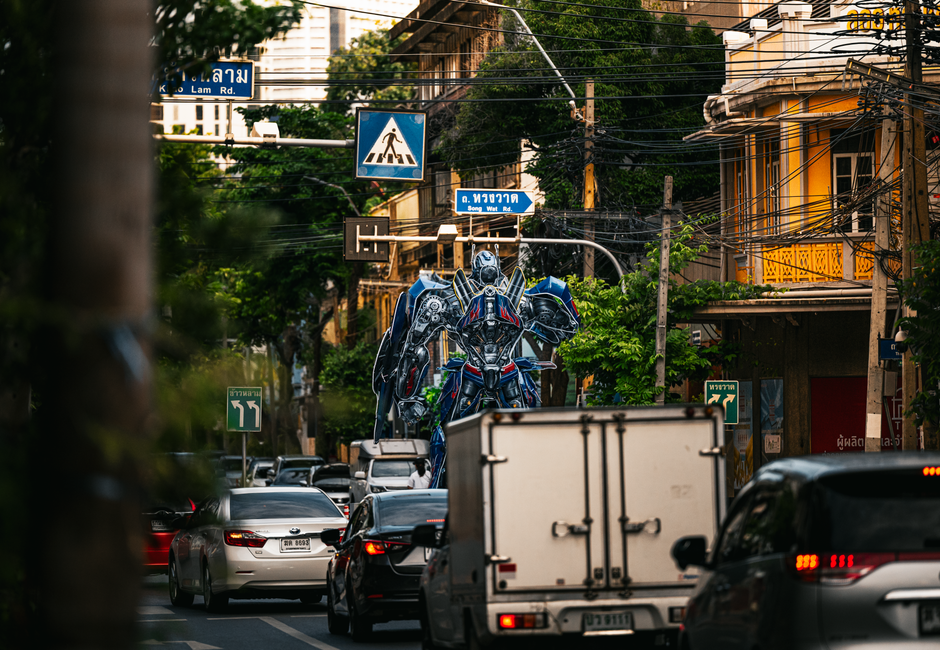
Bangkok traffic is not a joke. A co-working space that looks “close” on Google Maps can take 45 minutes by taxi during rush hour. You’ll lose 10+ hours weekly just commuting. That’s a full workday gone.
The only reliable rule: stay on the BTS Skytrain or MRT line. Not near it. ON it. A 10-minute walk to the station in April heat means arriving drenched in sweat. You want a space where you exit the station and walk less than 5 minutes under covered walkways.
My pick for BTS access: The Hive Thonglor. It’s a 4-minute covered walk from BTS Thonglor. JustCo at AIA Sathorn is also solid, connected directly to the building from BTS Surasak via skywalk. True Digital Park requires a shuttle from BTS Punnawithi, which adds 10-15 minutes each way. Not terrible, but not seamless.
If you’re staying near Chatuchak or Ladprao, don’t commute to Thonglor. Find something local. The commute will kill your productivity faster than bad WiFi.
Membership Terms That Lock You In (and How to Avoid Them)
Here’s the part nobody reads until it’s too late.
Many Bangkok co-working spaces advertise a “monthly” rate but require a 3-month commitment. Others auto-renew and charge your card unless you cancel 30 days before renewal. Some have “peak hour” restrictions where your monthly pass doesn’t work between 10am and 3pm unless you pay extra.
Read the contract. Specifically check:
- Does the monthly rate require a deposit? How much? When do you get it back?
- Is there a notice period for cancellation? 30 days is standard. 60 days is predatory.
- Are meeting room credits included or extra? One space I checked charged ฿500/hour for meeting rooms on top of a ฿6,000 monthly fee.
- Does the space close on Thai public holidays? Some do. You need to know before you plan a workday around Songkran.
Failure mode I see constantly: people sign up for a monthly membership, then realize they’re traveling to Chiang Mai for a week mid-month. Most Bangkok spaces don’t pause memberships. You pay for days you don’t use. If your itinerary has gaps, buy a 10-day or 20-day punch card instead. The Hive offers 10-day passes that don’t expire for 3 months. Glowfish has a 20-hour punch card for ฿2,200.
Always ask: “What happens if I need to cancel after two weeks?” If the answer is vague, walk away.
Internet Speed Claims Are Mostly Marketing. Test This Instead.
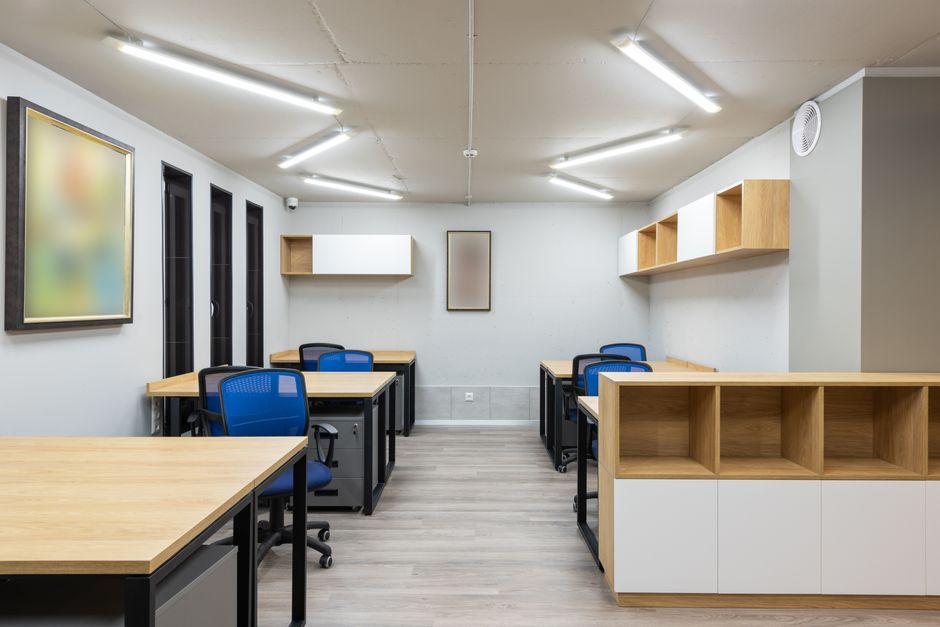
Every co-working space in Bangkok claims “high-speed internet.” That means nothing. What matters is latency, packet loss, and what happens when 80 people are on video calls simultaneously.
Here’s what to do before you commit to a monthly plan:
- Buy a day pass. Don’t sign up for a month sight unseen.
- At 2pm on a Tuesday, run a speed test. Not at 9am when the space is empty. 2pm is peak load.
- Run a ping test to Singapore and to the US. Singapore ping should be under 30ms. US West Coast under 200ms. If it’s higher, video calls will lag.
- Start a video call on Zoom or Google Meet. Let it run 10 minutes. Watch for freezes or audio drops.
- Ask someone next to you: “Does the WiFi ever go down?” They’ll tell you the truth faster than the front desk.
One specific test: download a 500MB file from a European server. If it takes more than 2 minutes, the international bandwidth is throttled. Some spaces prioritize domestic traffic, which is fine for YouTube but terrible for uploading client work to Google Drive or Dropbox.
I’ve tested JustCo AIA Sathorn at 2pm on a Wednesday: 320 Mbps down, 280 Mbps up, 22ms ping to Singapore. That’s excellent. Glowfish Sathorn at the same time: 85 Mbps down, 40 Mbps up, 45ms to Singapore. Workable, but not great for heavy uploads.
When You Should Skip Co-working Spaces Entirely
Co-working spaces aren’t always the answer. Sometimes they’re a waste of money.
If you’re staying in a serviced apartment or condo with fiber internet, you might not need one. Many newer Bangkok condos have TrueMove or AIS fiber installed with speeds of 500 Mbps or higher. Test your Airbnb’s connection before assuming you need to pay ฿6,000 monthly for a desk.
If your work is mostly asynchronous — no video calls, no real-time collaboration — a coffee shop with reliable WiFi can work. But be honest about this. Cafe WiFi in Bangkok is inconsistent. Some places throttle after 2 hours. Others have no power outlets. You’ll end up buying ฿200 of drinks just to justify sitting there.
Also consider: hotel business centers. If you’re staying at a mid-range hotel like the Ibis Styles Sukhumvit or the Travelodge Sukhumvit 11, the business center might be empty all day. You can often use it for free or for a small fee. It won’t have the community vibe, but it has air conditioning and a desk.
The bottom line: co-working spaces solve three problems — reliable power, reliable internet, and ergonomic seating. If your accommodation already solves those, don’t pay twice.
Final Verdict: Where I’d Spend My Own Money
If I’m committing to a month in Bangkok and need to work every day, I’m choosing The Hive Thonglor. Not because it’s the fanciest. Because it’s the most predictable. Dual internet, generator backup, decent chairs, and a location that doesn’t require me to cross Sukhumvit Road on foot. The ฿6,900 monthly fee is mid-range, but the reliability is worth the premium.
If I’m on a tighter budget and staying near Sathorn, I’d go with Glowfish Sathorn at ฿4,500. The single fiber line is a risk, but the 4G backup covers most outages. The chairs are good. The community is quieter, which suits deep work.
If I need maximum flexibility because I’m traveling around Thailand, I’d skip monthly memberships entirely and buy punch cards. The Hive’s 10-day pass at ฿3,500 works across multiple visits and doesn’t lock me into a calendar month.
You booked the month in Bangkok. Now you know what to check before you commit. Test the internet at 2pm. Read the cancellation terms. Count the walk from the BTS station. And if the chairs look like they came from a 2005 office liquidation sale, your back already knows the answer.